Azynote has three things you create: Sessions, Subjects, and OnePagers. Once you get these, the whole app clicks.
Sessions#
A Session is one moment of work. One meeting. One brainstorm. One phone call. One block of focus. Each session has a timestamp, an optional live transcript, optional typed notes, and optional file attachments.
Think of sessions as the diary entries of your work life. They are the raw material.
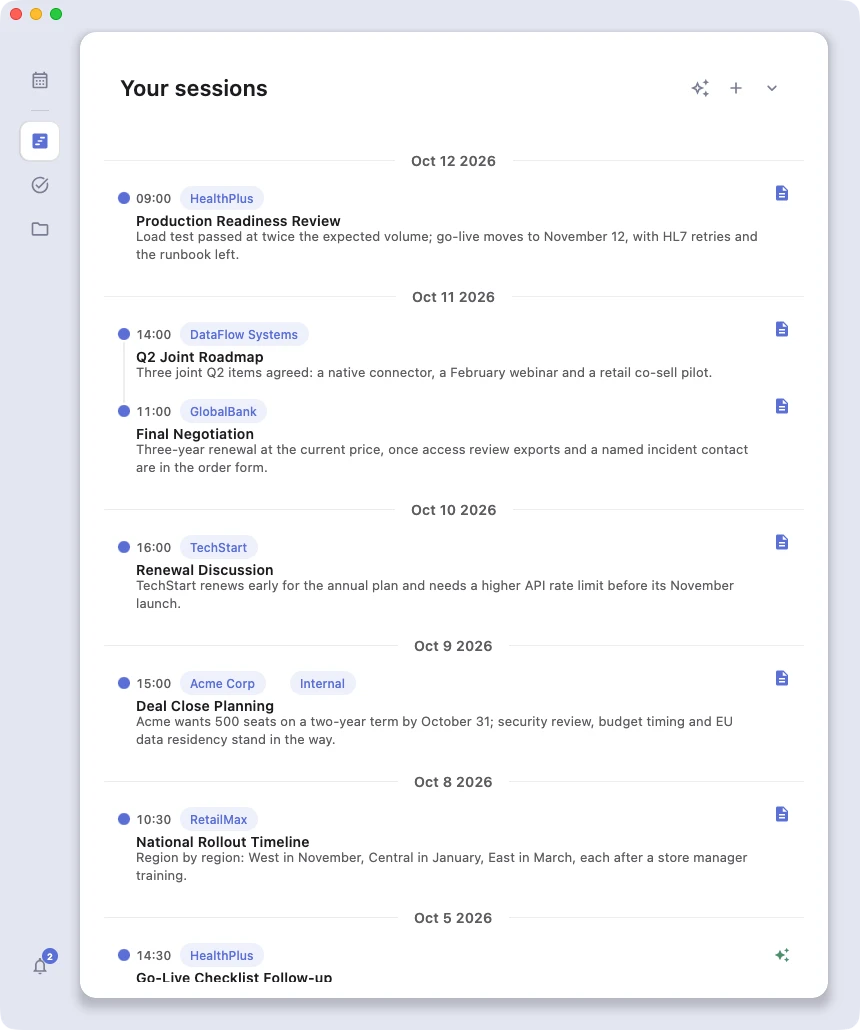
See Sessions for the four ways to create one.
Subjects#
A Subject is a project, client, or theme that groups related sessions together. Think of them as the chapters of your work life. Examples: "Acme Corp", "Hiring Q2", "House Renovation".
The important trick: a single session can belong to several subjects at once. A meeting with Acme Corp about hiring belongs to both "Acme Corp" AND "Hiring Q2", and you don't have to copy anything. It's the same session, viewed from two angles.
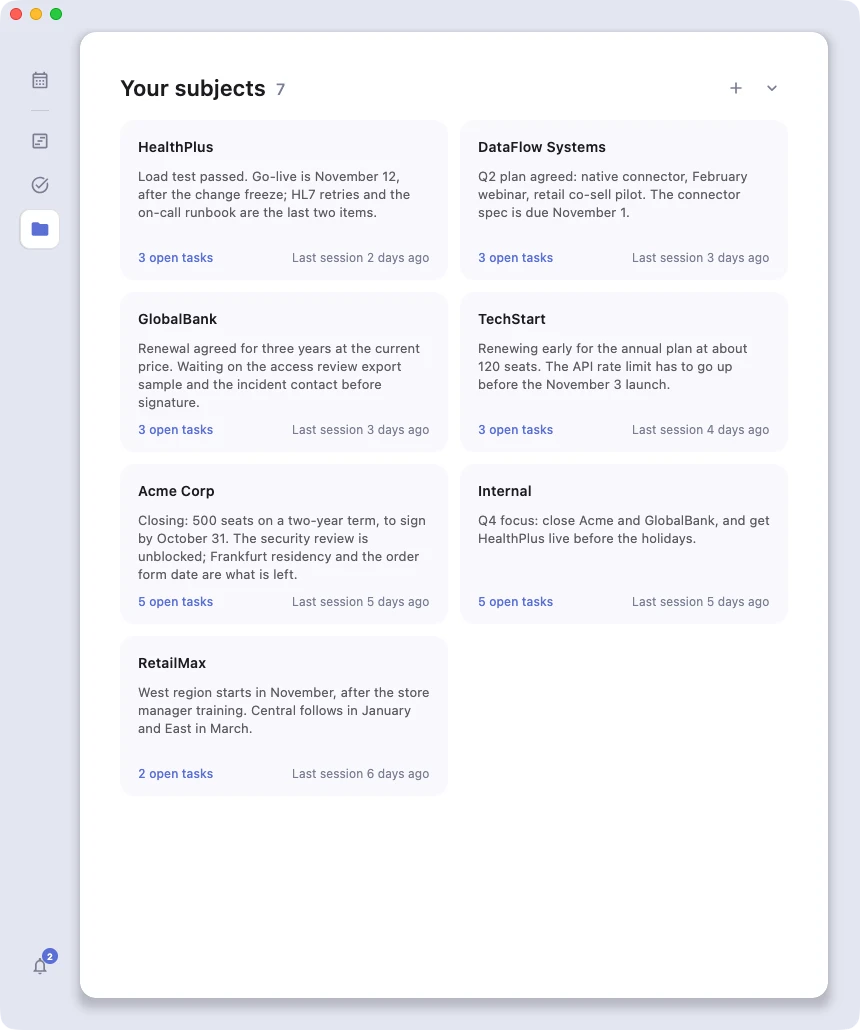
See Subjects for tags, links, and the auto-generated status summary.
OnePagers#
A OnePager is an AI-generated structured summary of a session. You get one by clicking the icon. Azynote gives your notes, transcript, and attachments to the engine you chose for OnePagers in Settings, AI engines (a model on your Mac, a cloud provider or your own agent) and gives you back a polished one-page document: meeting minutes, decision log, action items, brief, etc.
OnePagers are not created automatically. You decide when a session is worth materializing into one. Some sessions stay as raw notes forever, and that's perfectly fine.
See Generate OnePagers for the three trigger points and OnePager Templates for designing your own.
Tasks#
Every - [ ] checkbox in a OnePager is automatically picked up as a task. The Tasks view in the left sidebar aggregates them across every subject, so you can see and tick off what you owe in one place.
Tasks are not stored separately. They live inside your OnePager markdown, so deleting the line deletes the task, and toggling a task anywhere (Tasks view or the OnePager itself) writes back to the same file.
See Tasks for filters, grouping, and the full view.
Next: Sessions.